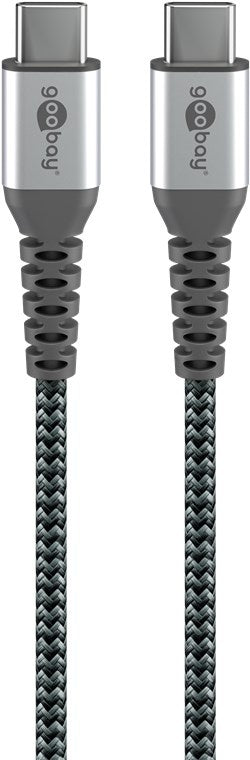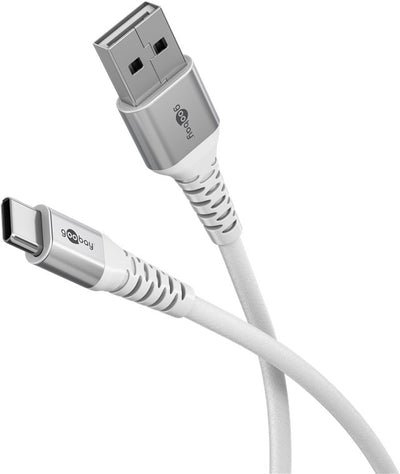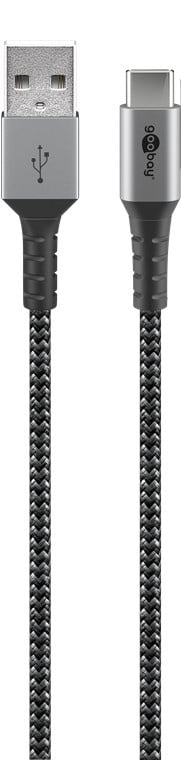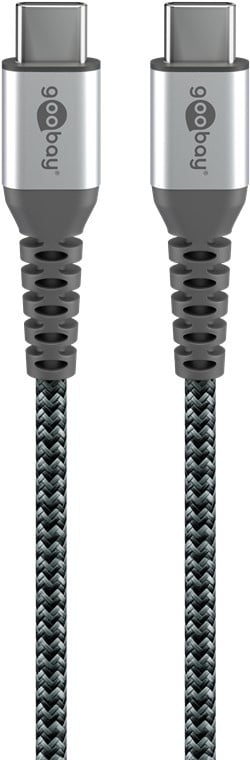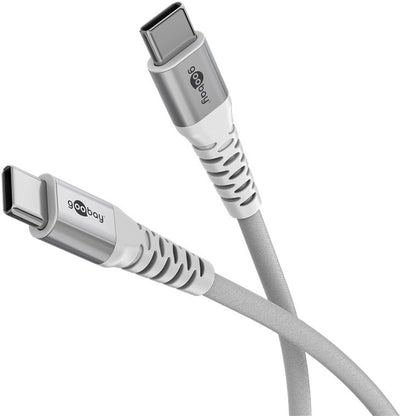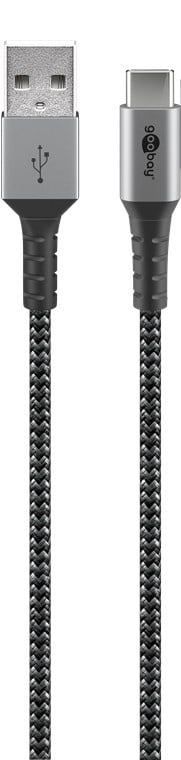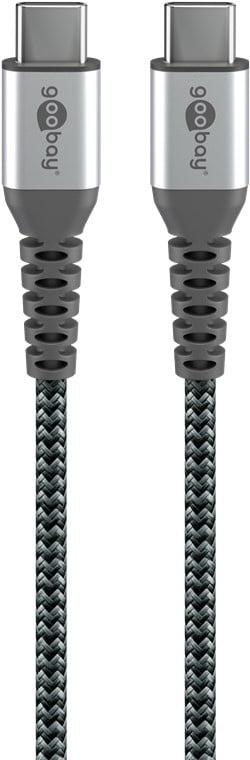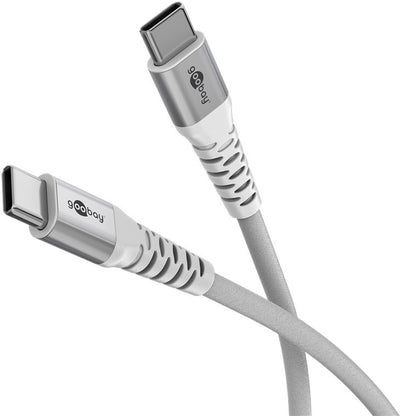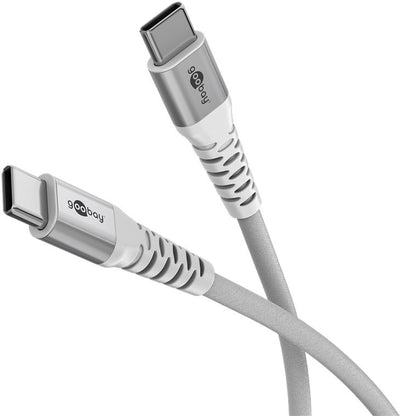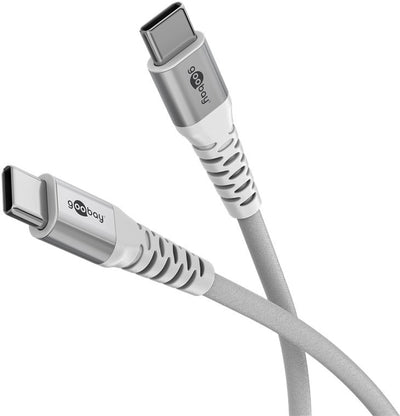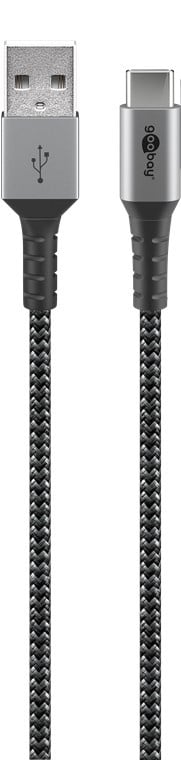
USB-C to USB-A 0.5M Textile Cable with Metal Plugs
Delivered tomorrow
6,04 Incl. VAT4,99 Excl. VAT
Delivered tomorrow
1
Want to buy USB-C cables that really fit your device and application? Then it is useful to know which cable you need, what to look for when choosing and what the differences are between the available versions. USB-C cables are now indispensable for charging smartphones, connecting laptops, transferring data or connecting screens. But not every cable is the same. In this guide we explain in clear language what is important, so that you can easily choose a cable that fits, works well and is immediately ready for use.
A USB cable is used to connect devices to each other and to charge batteries, transfer data or connect peripherals. For example, think of charging your phone, connecting an external hard drive to your laptop, or connecting a printer to your computer. This is increasingly done via USB-C, because this connection is more compact, works faster and is standard on many modern devices. USB-C is used on new phones, tablets, laptops and game consoles, but also on monitors and docking stations.
The function of a USB cable is therefore not limited to just charging. In many applications, data transport also plays a role, for example when you transfer files from your camera to your laptop, or when you send an image signal via a cable to a second screen.
USB cables come in different shapes. The best known is USB-A, the classic rectangular connector that you often see on computers and chargers. USB-B is somewhat larger and is often used with printers. USB-C is the latest standard and can be found in modern phones, tablets and laptops. This type is smaller, reversible and can process both power and data very quickly.
In addition, there are micro USB cables, which were mainly used with older smartphones and other portable devices. Mini USB is now outdated but can still be found on older cameras. If you want to buy USB-C cables, it is important to first check whether your device has a USB-C port and which connection you need on the other end of the cable. For example, you can choose a USB C to USB A cable if your phone uses USB-C but your charger is still USB-A.
In addition to the type of connection, the USB version is also important. USB 2.0 is the standard for easy charging and basic data transfer. USB 3.0, 3.1 and 3.2 are faster and suitable for applications where you want to transfer a lot of data or charge quickly. The higher the version number, the faster and more powerful the cable works.
If you are looking for a USB-C charging cable for fast charging, make sure that the cable supports Power Delivery. This is a technology that allows higher power to be transferred, which is necessary for charging laptops or super-fast charging of smartphones, for example. A cable that supports Power Delivery is not only faster, but also safer because the charging process is better regulated between cable, charger and device.
USB-C cables are available in different lengths, usually from half a meter to three meters. The length that is convenient for you depends on how and where you use the cable. A short cable is ideal for on the go or at your desk, for example to charge your phone on your laptop. A longer cable is useful if you want to charge from the socket next to your bed or at the office where the desk is a bit further away from the connection.
Please note that longer cables may reduce speed slightly, especially when transferring data. This is less of an issue for charging, but for fast files or video signals, a shorter cable may perform better. At netwerkkabel.eu you can see per product whether the cable is suitable for charging, data or both.
The quality of a USB cable determines how long it will last, how safe it is to use, and how well it performs. A standard cable is fine for light use, such as occasional charging. If you use the cable more intensively or take it with you often, a cable with a braided sheath is a better choice. These are sturdier, more resistant to bending and wear, and continue to function properly for longer.
The finish of the connectors is also important. Gold-plated contacts provide better conductivity and less chance of interference. It is also wise to pay attention to quality marks such as USB-IF. This indicates that the cable has been tested for safety and performance according to the official USB standards. A cable without a quality mark can sometimes be cheaper, but offers less security and does not always work well with all devices.
Can I still use my old micro USB cable for new devices? This is only possible if you use an adapter or if your device still has a micro USB port. Most new devices now use USB-C. What is the difference between USB-A and USB-C? USB-A is the old-fashioned rectangular connector, USB-C is smaller, reversible and works faster. Does a cheaper cable work just as well? That depends on the use. For occasional charging, a cheaper cable is often fine, but for daily use or higher power, it is better to choose a quality cable with a good finish. Can I use a USB cable for fast charging? Yes, but then you must ensure that both your cable and charger support fast charging, for example via Power Delivery.
Een USB kabel gebruik je om apparaten met elkaar te verbinden en voor het opladen van accu's, het overdragen van data of het koppelen van randapparatuur. Denk bijvoorbeeld aan het opladen van je telefoon, het aansluiten van een externe harde schijf op je laptop, of het verbinden van een printer met je computer. Steeds vaker gaat dat via USB-C, omdat deze aansluiting compacter is, sneller werkt en op veel moderne apparaten standaard aanwezig is. USB-C wordt bijvoorbeeld gebruikt op nieuwe telefoons, tablets, laptops en gameconsoles, maar ook op monitors en dockingstations.
De functie van een USB kabel is dus niet beperkt tot alleen opladen. Bij veel toepassingen speelt ook datatransport een rol, bijvoorbeeld als je bestanden overzet van je camera naar je laptop, of wanneer je beeldsignaal via een kabel naar een tweede scherm stuurt.
USB kabels zijn er in verschillende vormen. De bekendste is USB-A, de klassieke rechthoekige aansluiting die je veel ziet op computers en opladers. USB-B is wat groter en wordt vaak gebruikt bij printers. USB-C is de nieuwste standaard en zie je terug bij moderne telefoons, tablets en laptops. Dit type is kleiner, omkeerbaar en kan zowel stroom als data razendsnel verwerken.
Daarnaast bestaan er micro USB kabels, die vooral gebruikt werden bij oudere smartphones en andere draagbare apparaten. Mini USB is inmiddels verouderd maar komt nog voor op oudere camera’s. Als je USB-C kabels wilt kopen, is het belangrijk om eerst te controleren of je apparaat een USB-C poort heeft en welke aansluiting je aan de andere kant van de kabel nodig hebt. Zo kun je bijvoorbeeld kiezen voor een usb c naar usb a kabel als je telefoon USB-C gebruikt maar je oplader nog USB-A is.
Naast het type aansluiting is ook de USB versie van belang. USB 2.0 is de standaard voor eenvoudig opladen en basis data-overdracht. USB 3.0, 3.1 en 3.2 zijn sneller en geschikt voor toepassingen waarbij je veel data wilt overzetten of snel wilt opladen. Hoe hoger het versienummer, hoe sneller en krachtiger de kabel werkt.
Als je een usb c oplaadkabel zoekt voor snelladen, let er dan op dat de kabel Power Delivery ondersteunt. Dat is een techniek waarmee hogere vermogens kunnen worden overgedragen, wat nodig is voor bijvoorbeeld het opladen van laptops of het supersnel opladen van smartphones. Een kabel die Power Delivery ondersteunt is niet alleen sneller, maar ook veiliger doordat het laadproces beter wordt geregeld tussen kabel, oplader en apparaat.
USB-C kabels zijn verkrijgbaar in verschillende lengtes, meestal van een halve meter tot drie meter. Welke lengte voor jou handig is, hangt af van hoe en waar je de kabel gebruikt. Een korte kabel is ideaal voor onderweg of op je bureau, bijvoorbeeld om je telefoon op te laden aan je laptop. Een langere kabel is handig als je wilt opladen vanaf het stopcontact naast je bed of op kantoor waarbij het bureau wat verder van de aansluiting staat.
Houd er rekening mee dat bij langere kabels de snelheid iets kan afnemen, vooral bij data-overdracht. Voor opladen maakt dat minder uit, maar voor snelle bestanden of beeldsignaal kan een kortere kabel beter presteren. Bij netwerkkabel.eu zie je per product duidelijk aangegeven of de kabel geschikt is voor opladen, data of beide.
De kwaliteit van een USB kabel bepaalt hoe lang deze meegaat, hoe veilig hij is in gebruik en hoe goed hij presteert. Een standaard kabel is prima voor licht gebruik, zoals af en toe opladen. Gebruik je de kabel intensiever of neem je hem vaak mee, dan is een kabel met gevlochten mantel een betere keuze. Deze zijn steviger, beter bestand tegen buigen en slijtage, en blijven langer goed functioneren.
Ook de afwerking van de connectoren is belangrijk. Vergulde contacten geven betere geleiding en minder kans op storingen. Daarnaast is het verstandig om te letten op keurmerken zoals USB-IF. Dat geeft aan dat de kabel getest is op veiligheid en prestaties volgens de officiële USB-standaarden. Een kabel zonder keurmerk kan soms goedkoper zijn, maar biedt minder zekerheid en werkt niet altijd goed met alle apparaten.
Kan ik mijn oude micro USB kabel nog gebruiken voor nieuwe apparaten? Dat kan alleen als je een adapter gebruikt of als je apparaat nog een micro USB poort heeft. De meeste nieuwe apparaten gebruiken inmiddels USB-C. Wat is het verschil tussen USB-A en USB-C? USB-A is de ouderwetse rechthoekige aansluiting, USB-C is kleiner, omkeerbaar en werkt sneller. Werkt een goedkopere kabel net zo goed? Dat hangt af van het gebruik. Voor incidenteel opladen is een goedkopere kabel vaak prima, maar bij dagelijks gebruik of hogere vermogens kies je beter voor een kwaliteitskabel met goede afwerking. Kan ik een USB kabel gebruiken voor snelladen? Ja, maar dan moet je wel zorgen dat zowel je kabel als oplader snelladen ondersteund, bijvoorbeeld via Power Delivery.