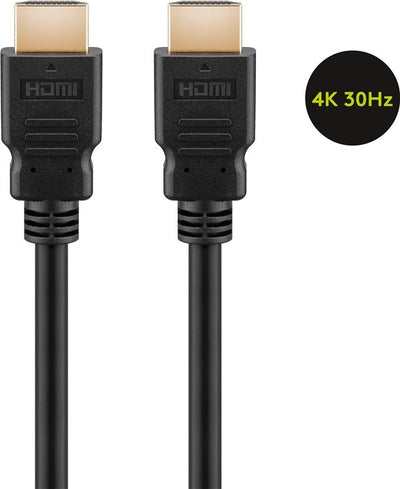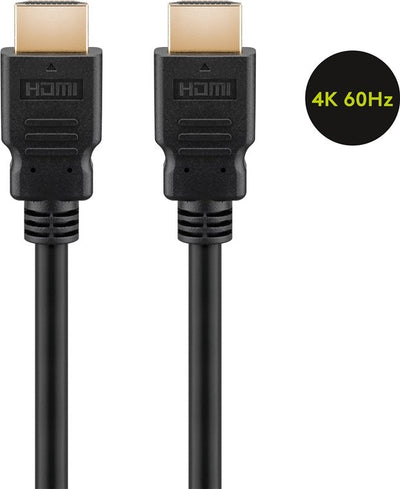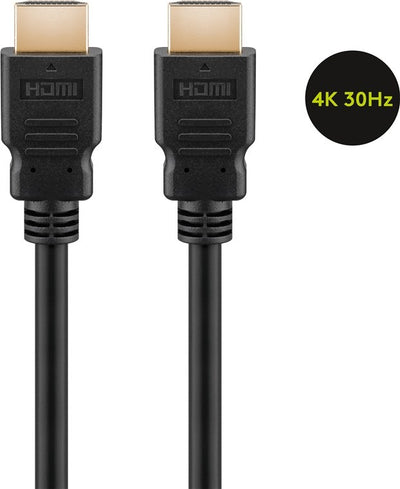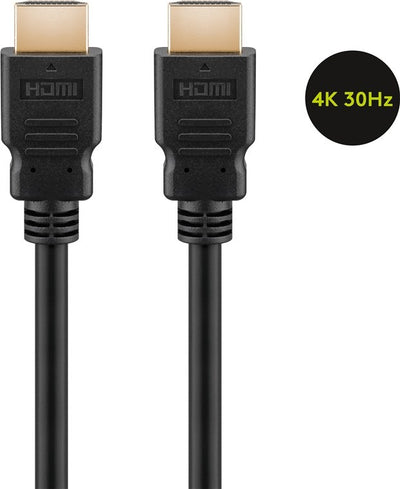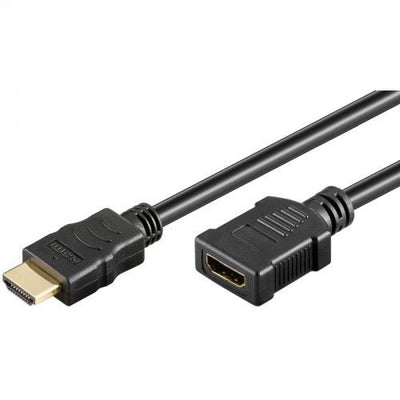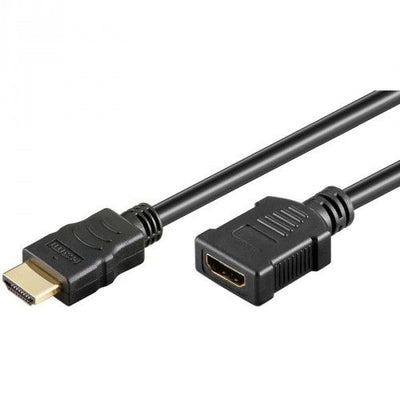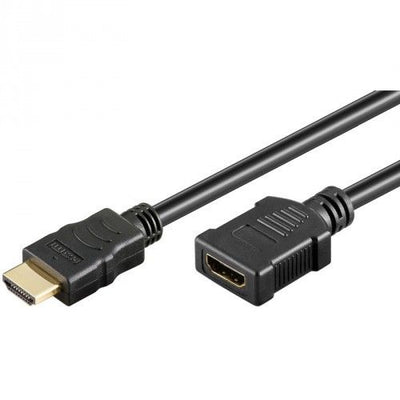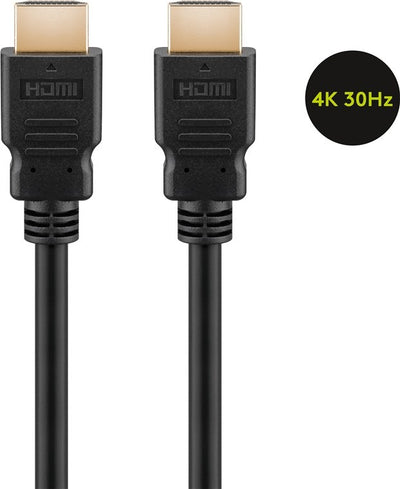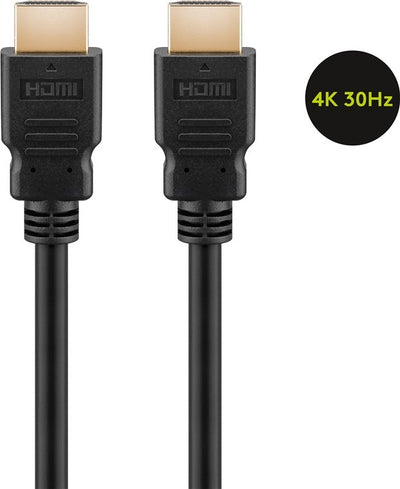
HDMI Cable 1.4 High Speed With Ethernet 1M
Delivered tomorrow
3,90 Incl. VAT3,22 Excl. VAT
Delivered tomorrow
1
Are you looking for HDMI 1.4 cables for your television, game console or laptop? Then it is good to know what exactly this cable version supports and when it is still the right choice. HDMI 1.4 cables are often used in combination with Full HD devices and support functions such as 3D display and Audio Return Channel. These cables are ideal if you do not need 4K, but do want to be able to count on stable image and sound quality.
An HDMI 1.4 cable is designed for devices that use a resolution up to and including Full HD. The cable supports 1080p image quality and makes it possible to display 3D content, provided that both the source device and the screen support this. In addition, Audio Return Channel is available, which allows the sound from the TV to be sent back to a soundbar or amplifier via the same HDMI cable. This eliminates the need for a separate audio cable and keeps the installation clear.
Some versions also allow you to send network data. This means that devices that support this can also be connected to the network via the same HDMI cable. This makes an extra Ethernet cable redundant, which is particularly useful for home cinema systems or smart TVs that run in a network setup.
Compared to older versions such as HDMI 1.3, HDMI 1.4 offers additional features, such as 3D support and the addition of ARC. HDMI 1.3 is limited to image and sound without these additional capabilities. HDMI 2.0 goes a step further with support for 4K resolution at sixty hertz and more color depth. HDMI 2.1 expands this even further with support for 8K, variable refresh rate and enhanced Audio Return Channel.
Still, HDMI 1.4 remains a good choice in many situations. Especially when you use a television or device that does not go beyond Full HD, a newer cable version is often unnecessary. HDMI 1.4 does what you need, without additional costs or technical complexity.
Do you have a game console such as a PlayStation 3 or 4, a Blu-ray player, a digital receiver or a laptop with HDMI output? Then an HDMI 1.4 cable works perfectly, as long as you watch or play content in Full HD. This cable is also a sensible and affordable choice for TVs that do not support 4K or projectors that display a maximum of 1080p.
HDMI 1.4 cables are also suitable for business applications. Think of connecting a laptop to a projector or presentation screen during a meeting. As long as the screen or projector supports Full HD, this cable provides a stable and reliable connection without loss of image quality.
There are HDMI 1.4 cables with an Ethernet function, which means that in addition to image and sound, network data can also be sent via the cable. This is particularly useful for devices that communicate with other network devices via HDMI. Examples include smart TVs, AV receivers and media players that need access to the home network. Both connected devices must support this Ethernet function, otherwise the signal will not be used. If you use this, it can simplify the cabling in your home.
When choosing an HDMI 1.4 cable, it is important to consider the length, the quality of the finish and the ease of use. For short distances, for example between a TV and a decoder, a standard cable is often sufficient. For longer distances, for example between a TV and a projector in a meeting room, it is wise to choose a cable with good shielding to prevent signal loss.
The shape of the connector also plays a role. Cables with angled connectors are useful when the TV is hanging close to the wall. Gold-plated connectors ensure better conduction and are more wear-resistant, which is nice if you regularly disconnect the cable. In the assortment of netwerkkabel.eu you will find different versions, so that you can always choose a cable that suits your setup and use.
If you want to know whether an HDMI 1.4 cable is suitable for your television, console or laptop, you can usually find this in the manual or on the specifications page of the device. If your device supports Full HD and does not need 4K at sixty hertz, then HDMI 1.4 is fine. If your device has an HDMI connection with ARC or 3D support, HDMI 1.4 is usually sufficient. Newer devices are also usually backwards compatible, which means that an HDMI 1.4 cable will also work, although the latest functions are not used.
Many people wonder if an HDMI 1.4 cable will work on a 4K screen. The answer is yes, but you can only watch Full HD content. The cable does not support 4K at sixty hertz. Customers also ask if they can use ARC or 3D with it. Both functions are supported, provided that the connected devices can also process them. HDMI 1.4 is also very suitable for gaming, especially on consoles that use Full HD. In terms of length, you can safely go up to about five meters with HDMI 1.4 cables. Above that, it is advisable to look for a better shielded or active cable. Finally, there is sometimes confusion about the difference between an HDMI 1.4 cable with or without ethernet. Only the variant with ethernet can also send network data, but that only works if the devices on both sides support this function.
Een HDMI 1.4 kabel is ontworpen voor apparaten die gebruikmaken van een resolutie tot en met Full HD. De kabel ondersteunt 1080p beeldkwaliteit en maakt het mogelijk om 3D-content weer te geven, mits zowel het bronapparaat als het scherm dit ondersteunen. Daarnaast is Audio Return Channel beschikbaar, waarmee het geluid van de tv via dezelfde HDMI kabel kan worden teruggestuurd naar een soundbar of versterker. Hierdoor is er geen aparte audiokabel nodig en blijft de installatie overzichtelijk.
Ook is het bij sommige uitvoeringen mogelijk om netwerkdata mee te sturen. Dat betekent dat apparaten die dat ondersteunen via dezelfde HDMI kabel ook verbonden kunnen worden met het netwerk. Dit maakt een extra ethernetkabel overbodig, wat vooral handig is bij home cinema-systemen of smart-tv’s die in een netwerkopstelling draaien.
In vergelijking met oudere versies zoals HDMI 1.3 biedt HDMI 1.4 extra functies, zoals de ondersteuning van 3D en de toevoeging van ARC. HDMI 1.3 is beperkt tot beeld en geluid zonder die extra mogelijkheden. HDMI 2.0 gaat een stap verder met ondersteuning voor 4K resolutie bij zestig hertz en meer kleurdiepte. HDMI 2.1 breidt dat nog verder uit met onder andere ondersteuning voor 8K, variable refresh rate en enhanced Audio Return Channel.
Toch blijft HDMI 1.4 in veel situaties een goede keuze. Zeker wanneer je gebruikmaakt van een televisie of apparaat dat niet verder gaat dan Full HD is een nieuwere kabelversie vaak overbodig. HDMI 1.4 doet wat je nodig hebt, zonder extra kosten of technische complexiteit.
Heb je een spelcomputer zoals een PlayStation 3 of 4, een Blu-ray speler, een digitale ontvanger of een laptop met HDMI uitgang? Dan werkt een HDMI 1.4 kabel uitstekend, zolang je content kijkt of afspeelt in Full HD. Ook voor tv’s die geen 4K ondersteunen of beamers die maximaal 1080p weergeven, is deze kabel een verstandige en voordelige keuze.
HDMI 1.4 kabels zijn ook geschikt voor zakelijke toepassingen. Denk aan het aansluiten van een laptop op een projector of presentatiescherm tijdens een vergadering. Zolang het scherm of de beamer Full HD ondersteunt, levert deze kabel een stabiele en betrouwbare verbinding zonder verlies van beeldkwaliteit.
Er bestaan HDMI 1.4 kabels met een ethernetfunctie, wat inhoudt dat naast beeld en geluid ook netwerkdata via de kabel kunnen worden verzonden. Dit is vooral handig bij apparatuur die via HDMI met andere netwerkapparaten communiceert. Voorbeelden zijn smart-tv’s, AV-receivers en mediaspelers die toegang nodig hebben tot het thuisnetwerk. Beide aangesloten apparaten moeten deze ethernetfunctie wel ondersteunen, anders wordt het signaal niet benut. Wanneer je dit gebruikt, kan het de bekabeling in huis vereenvoudigen.
Bij het kiezen van een HDMI 1.4 kabel is het belangrijk om rekening te houden met de lengte, de kwaliteit van de afwerking en het gebruiksgemak. Voor korte afstanden, bijvoorbeeld tussen een tv en een decoder, is een standaard kabel vaak voldoende. Bij langere afstanden, bijvoorbeeld tussen een tv en een beamer in een vergaderruimte, is het verstandig om te kiezen voor een kabel met goede afscherming om signaalverlies te voorkomen.
Ook de vorm van de connector speelt een rol. Kabels met haakse connectoren zijn handig wanneer de tv dicht tegen de muur hangt. Vergulde connectoren zorgen voor een betere geleiding en zijn slijtvaster, wat prettig is als je de kabel regelmatig loskoppelt. In het assortiment van netwerkkabel.eu vind je verschillende uitvoeringen, zodat je altijd een kabel kunt kiezen die past bij jouw opstelling en gebruik.
Wil je weten of een HDMI 1.4 kabel geschikt is voor jouw televisie, console of laptop, dan kun je dat meestal terugvinden in de handleiding of op de specificatiepagina van het apparaat. Als je apparaat Full HD ondersteunt en geen behoefte heeft aan 4K bij zestig hertz, dan zit je met HDMI 1.4 goed. Ook als je apparaat een HDMI aansluiting heeft met ARC of 3D-ondersteuning is HDMI 1.4 meestal voldoende. Nieuwere apparaten zijn bovendien meestal achterwaarts compatibel, wat betekent dat een HDMI 1.4 kabel ook gewoon werkt, al worden de nieuwste functies dan niet gebruikt.
Veel mensen vragen zich af of een HDMI 1.4 kabel werkt op een 4K scherm. Het antwoord is ja, maar je kunt dan alleen Full HD content bekijken. De kabel ondersteunt geen 4K bij zestig hertz. Ook vragen klanten of ze hiermee ARC of 3D kunnen gebruiken. Beide functies worden ondersteund, mits de aangesloten apparaten dat ook kunnen verwerken. HDMI 1.4 is daarnaast prima geschikt voor gamen, vooral op consoles die Full HD gebruiken. Wat betreft de lengte kun je bij HDMI 1.4 kabels veilig tot ongeveer vijf meter gaan. Daarboven is het raadzaam om te kijken naar een beter afgeschermde of actieve kabel. Tot slot is er soms verwarring over het verschil tussen een HDMI 1.4 kabel met of zonder ethernet. Alleen de variant met ethernet kan ook netwerkdata verzenden, maar dat werkt alleen als de apparaten aan beide kanten deze functie ondersteunen.